Well, here we are again. After the Disaster That Shall Not Be Named, I had to reprint my nametag. Luckily, I wasn’t starting from scratch–just fixing what I already had. After giving it some thought, I figured out the issue: it wasn’t just that my nametag was small overall, but the proportions were messed up (the giraffe was too thin compared to the base, the eyes were too small compared to the rest of the giraffe and nametag, etc.).
While I was back in Tinkercad, I decided to change up the design a little more by making the base more circular as opposed to oval shaped, as well as stacking the giraffes on top of each other.
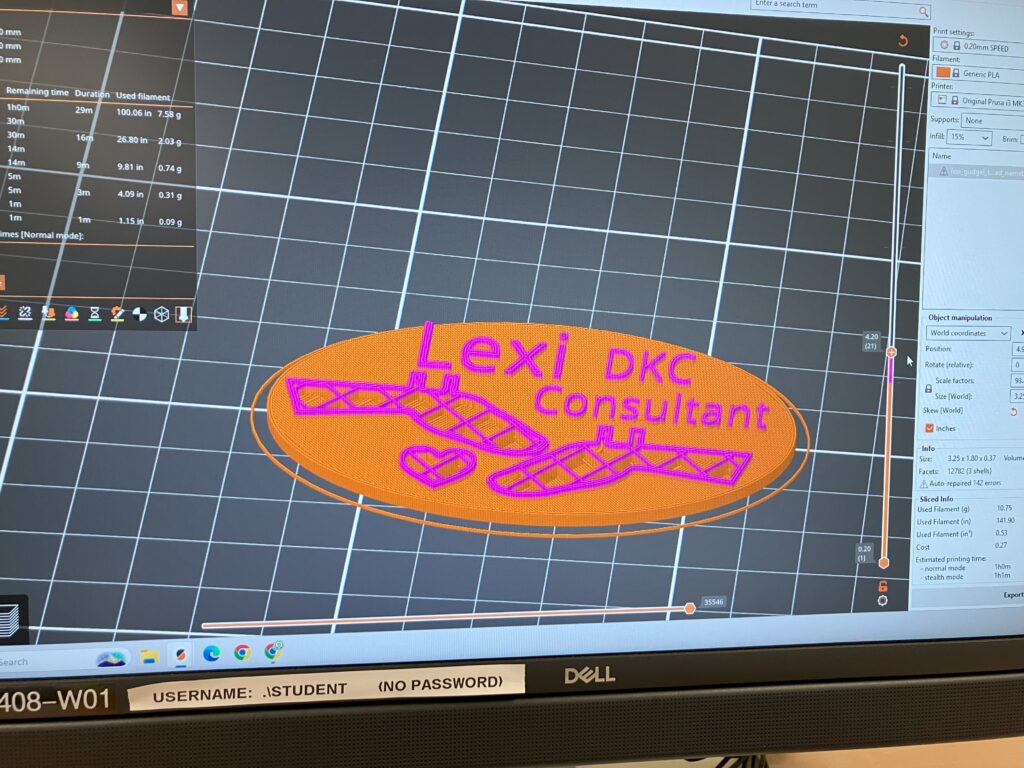
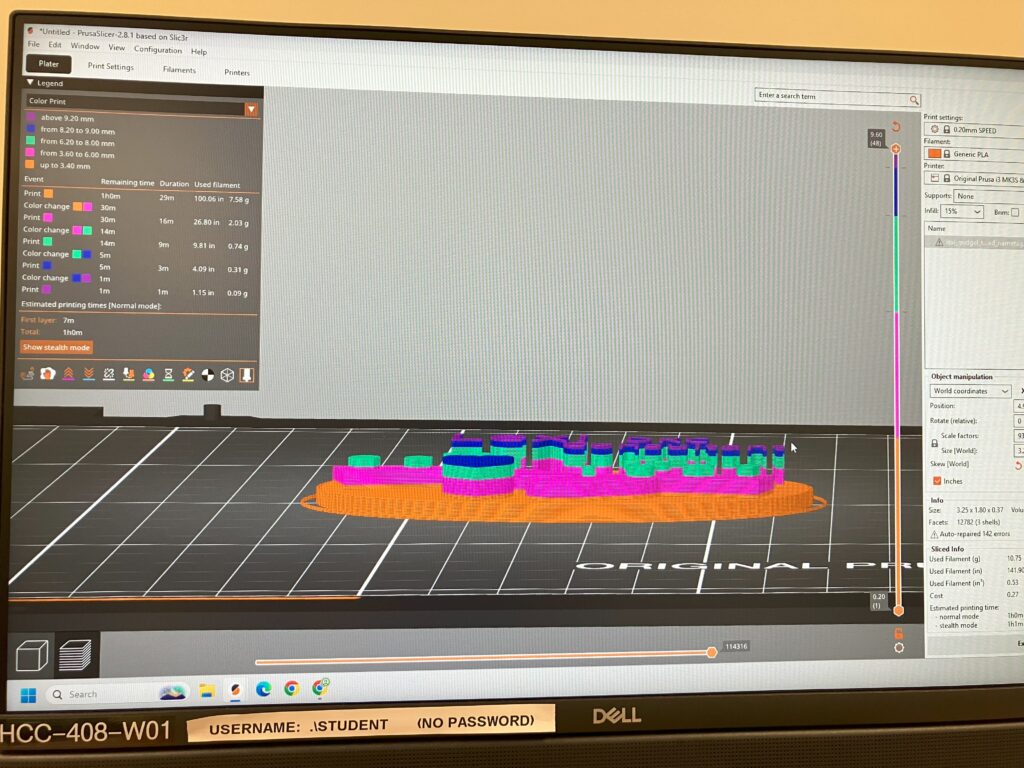
I found it much easier to use the Prusa slicer a second time around. Adding the color change stops went much quicker, but adjusting the dimensions took me a while.
Here are some pictures from that process:

Since I was printing a thicker nametag it took over 20 minutes longer than my first print. I stayed by the 3D printer the entire time to monitor it and make sure everything went smoothly/I could change out the filament as quickly as possible.
I have some pictures of the printing:


Here was the end result!

Of course, while trying to clean it up, I immediately accidentally ripped out the dot in the “i” in my name, but by this point I’m so over this that I’m fine with it.


Leave a Reply