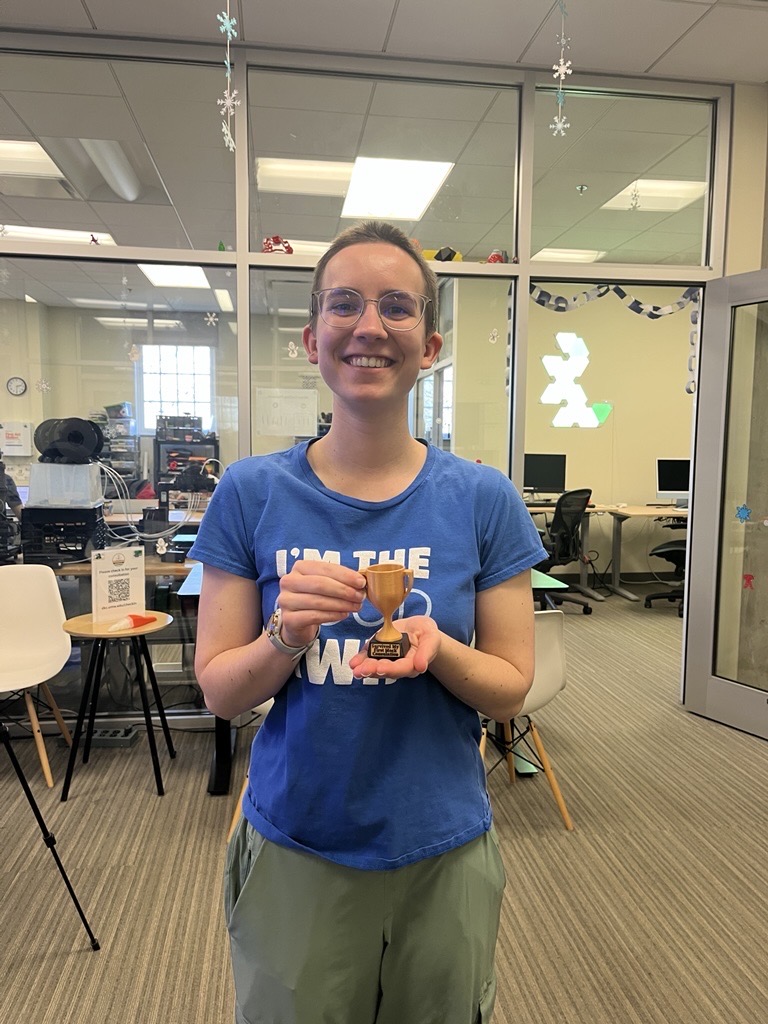
I completed the Introduction to Accessibility module! I learned a lot of new things, such as more information about how a screen reader will react to certain features of my website.
What I believe the difference to be between accommodations and accessibility and this: accessibility means taking simple steps to make something more inclusive for all kinds of people and abilities, such as adding alt texts to pictures. Accommodations, on the other hand, require documentation of some form of disability and necessitate extra help that is outside the realm of what is usually done.
For example, most college students are not permitted to record a professor’s lecture. Students with an accommodation for ADHD or something similar, however, may be allowed to record lectures to rewatch and review later.
As a consultant, I anticipate that I may have a client who uses a screen reader. In order to adapt to this, I will have to change the way I describe what to do. (I’ll have to come up with something more helpful than “click on the blue button up top.”)
In the work that I do, I have to consider how my attitude and language affects those with disabilities. This means taking the time to prepare for consultations ahead of time if I see they request an accommodation. This also means making sure I don’t place all of the responsibility on my client to know exactly all of the additional help they need, and being open and willing to give that extra assistance.
After the training, I went through and added alt text to all of my pictures on my main domain and subdomains. I also installed the Equalize Digital Accessibility Checker plugin.
Something that I didn’t know to watch out for is that sometimes I would have an empty paragraph block. When viewing it on the website, it just looks like empty space, but the accessibility checker pointed out that a screen reader would read it as a paragraph and it might confuse the person using that screen reader.
There were a few accessibility issues that my theme made it impossible for me to change. To name a couple of these issues:
- The name of commenters as well as the date of my blog posts are in a grey color that is too similar to the white background to pass the accessibility test for easy readability. I was unable to find a way to change this.
- On my main page, my latest blog post shows up in picture form with a box in the middle that says “read more.” Because of the way it’s set up, a screen reader wouldn’t read the blog post excerpt, just the “read more” button. This could be very confusing to people. I tried to change the display, but I already had the home page set to static and didn’t see any other options to change the set up.